
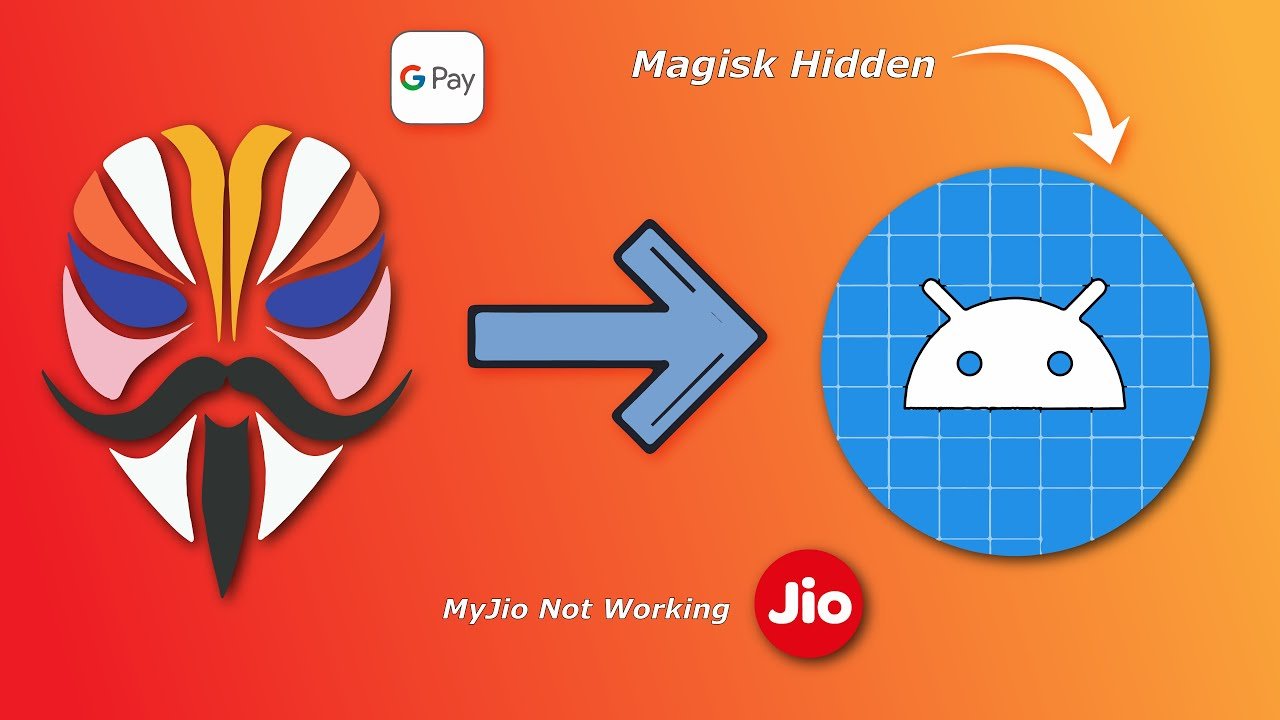

Magisk Hide Not Working On Banking Apps & MyJio. How to fix it?
Since Google has launched its SaeftyNET API, users with Rooted device are having trouble with some Banking Apps and some other Apps too, like MyJio App by Reliance co.
So Banking Apps and some other Apps have been started to implement Google's SafetyNET API code in their Application. This is why users with rooted devices are getting harder to access the application.
Due to the implementation of this code, it checks if your device passes SafetyNET or not. Because if it does not passes the SafetyNET requirement, then Application access gets blocked. This is why even after hiding root, the App doesn't work, and it won't give you permission to access it because you haven't passed the SafetyNET requirement.
Now how do you fix it?
Update Note: Updated methods for Magisk Hide Not Working on Banking App
2021 is here
Magisk Hide not working on banking apps 2021
To fix Magisk Hide Not Working On Banking Apps.
To fix Magisk Hide not working on Banking Apps, you need to do some things to make it work.
Magisk Hide still fails to Hide Root Access because the Application checks for SafetyNET and Root Manager ( Magisk Manager ).
So you have to fulfill or complete these criteria to make Banking Apps work properly.
Now let's begin the main process.
#1. Go to Magisk Manager.

#2. Go to Magisk Modules Section & search for MagiskHide Props Config.

#3. Click on the download icon of MagiskHide Props Config and choose install.

#4. Reboot your Phone.

( Now, The process is not completed yet. )
#5. Go to Magisk Manager again.
#6. Now this time, go to Magisk Manager Settings, scroll down a little, and you should see Hide Magisk or Hide Magisk Manager.

#7. Click on Hide Magisk Manager, and it will tell you to give it another name.

#8. Now, give Magisk Manager another name other than Magisk Manager itself. ( In my case, I gave it the name " Manager " or can give it your name instead. )
#9. After doing this process, it will download the Magisk Manager again, and it will be Renamed to what you have given it before.
#10. At last, after doing all the process, your phone will reboot automatically if not, then go ahead do it manually.

Now, Check all your Banking Apps and MyJio App if it works fine or not.
This process will fulfill both the requirements ( SafetyNET & No Root Manager ).
This way, you can fix Magisk Hide not working on Banking Apps & MyJio.
If you want a video guide here is How To Fix Magisk Hide Not Working on Android 11 and versions below that.
You Might Also Like: How to Clear Cache on Android 10 and Android 11
Magisk Hide Not Working on Android 11


Comments (0)
Syncing authorization...