
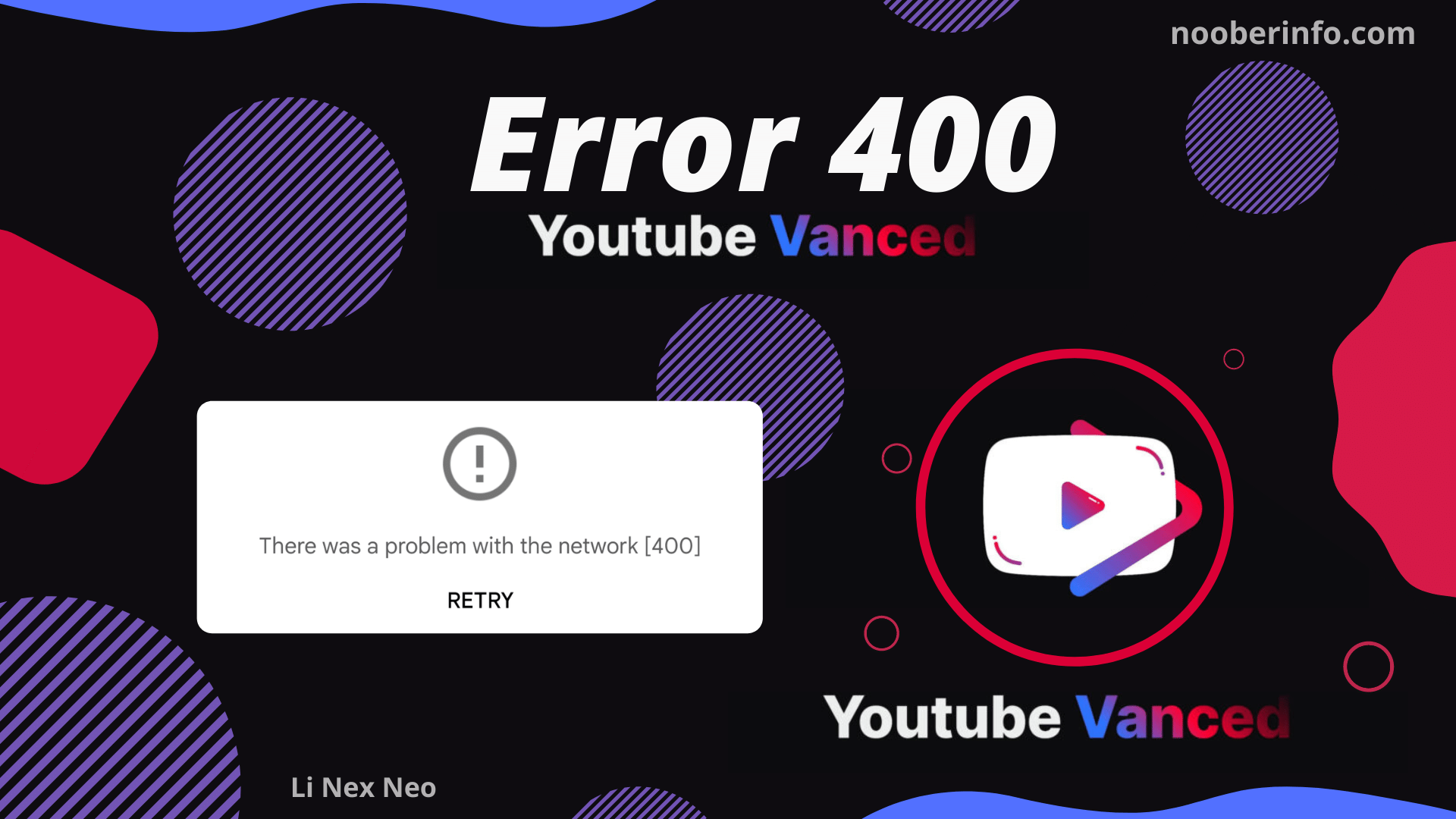
Youtube Vanced error 400 2022: What is server Error 400 in YouTube?

So you are facing YouTube Vanced Error 400, and you are getting a message “There was a problem with the network 400” in your YouTube Vanced App.
So what is server error 400 in YouTube Vanced?
Server Error 400 means ‘Your client has issued a malformed or illegal request’. That means the server has been changed that was assigned to the YouTube Vanced Application. Hence, YouTube Vanced is requesting an invalid server.
So how do you fix YouTube Vanced Server 400 Error problem?
To fix Server Error 400 YouTube Vanced, you need to assign a valid server request. To do so, you have to update the YouTube Vanced Application.
So how do you update YouTube Vanced Application? Follow along below.
Youtube Vanced Server 400 Error Fix – YouTube Vanced update

Follow the steps below to Fix Server 400 Error in YouTube Vanced:
Step 1: Download the Youtube Vanced Apk Latest Version 2022. Not the YouTube Vanced but Vanced Manager APK Latest Version. (Nooberinfo Telegram or YouTubeVanced)
If you don’t know where to download it from then, follow this guide to download Youtube Vanced Manager APK Latest Version 2022
Step 2: After downloading Vanced Manager, Install it.
Step 3: After installing Vanced Manager, Open the Application. If you don’t know how to install then follow this guide to install YouTube Vanced in Android 2022.
Step 4: Inside Vanced Manager, You will get the option to install YouTube Vanced, YouTube Vanced Music, and Vanced MicroG for Unrooted users.
You will only get YouTube Vanced and YouTube Vanced Music If you are a rooted user.
If you want to toggle between the Root and Non-Root variant, you can toggle it from the Vanced Manager settings.
Step 5: Tap on the install button on YouTube Vanced to install YouTube Vanced Application.
Step 6: After tapping on install, wait for a few seconds, and YouTube Vanced Application should get installed in a while.
So this is how you Fix Youtube Vanced Error 400 in Android. Many users are facing Youtube Vanced problems with Server. But it is easy as that to fix Vanced Error Server 400.
If you want a video guide on how to fix Vnced Error 400 then here it is.
If you want to know the reasons behind YouTube Vanced Project being shut down by Google, follow this article to know YouTube Vanced Shut Down reasons.


Comments (0)
Syncing authorization...